Private beta · November 2 to 16, 2026
 Become a TidyWren beta tester
TidyWren is a Windows app that sorts and checks your cut files, laser files, and embroidery designs. Before it launches, I’m looking for people who cut, laser engrave, or embroider to try it on their real collection.
About two hours in all · The full license, free at launch
I’d like to join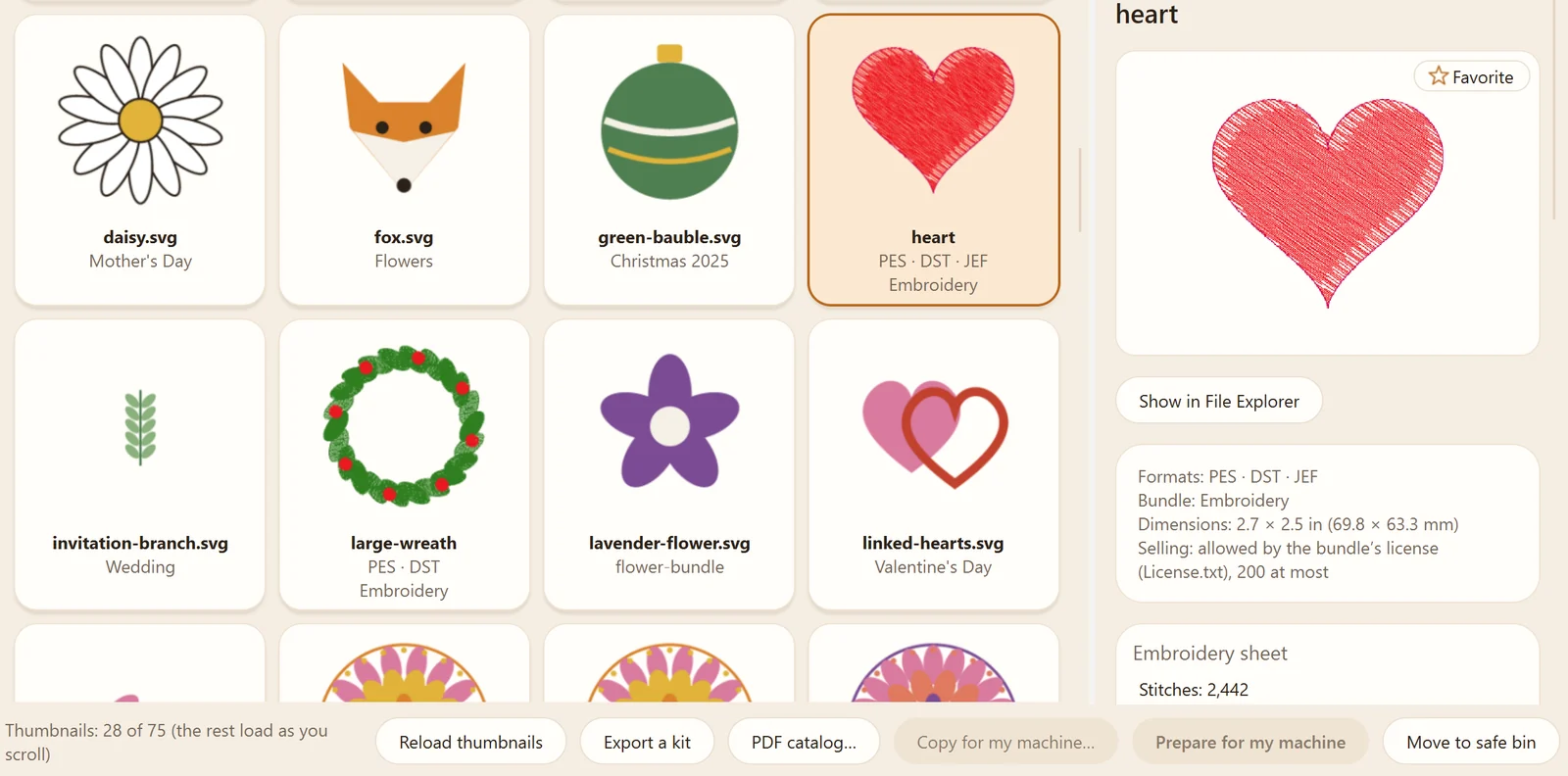
The Library: your cut files and embroidery designs as thumbnails, ZIP files included.
What TidyWren does
It reads your collection as it is, ZIP files included, without moving or changing anything.
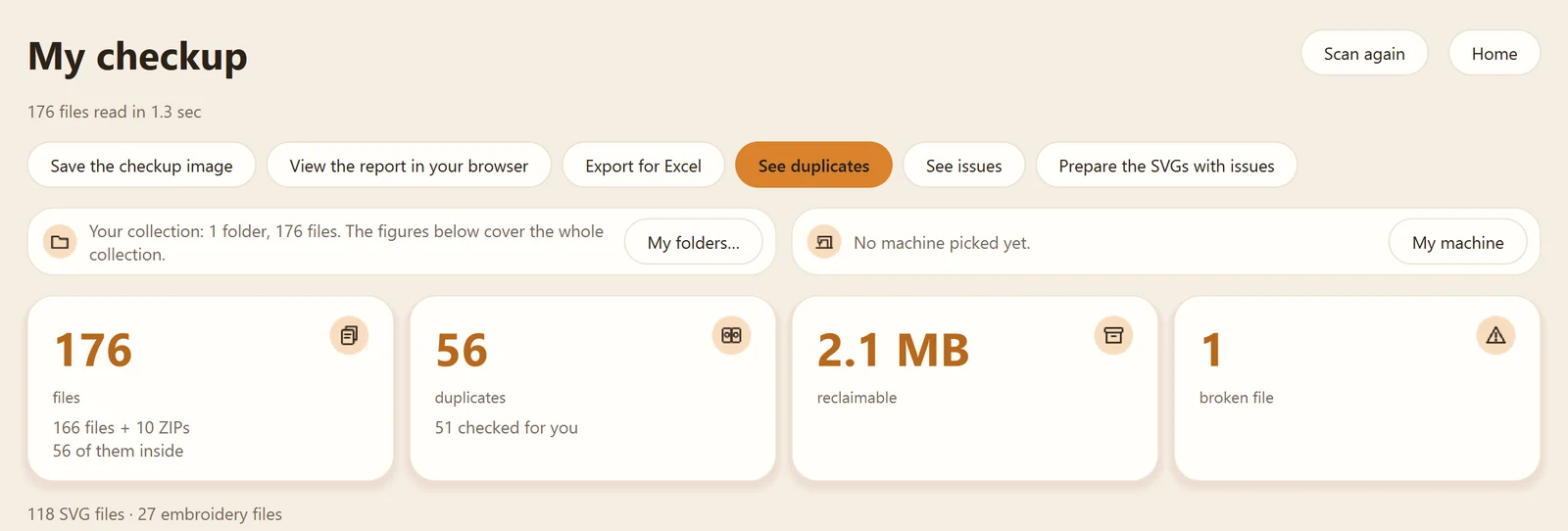
A checkup of your collection
How many files, duplicates, and damaged files you have, and how much space you can get back.
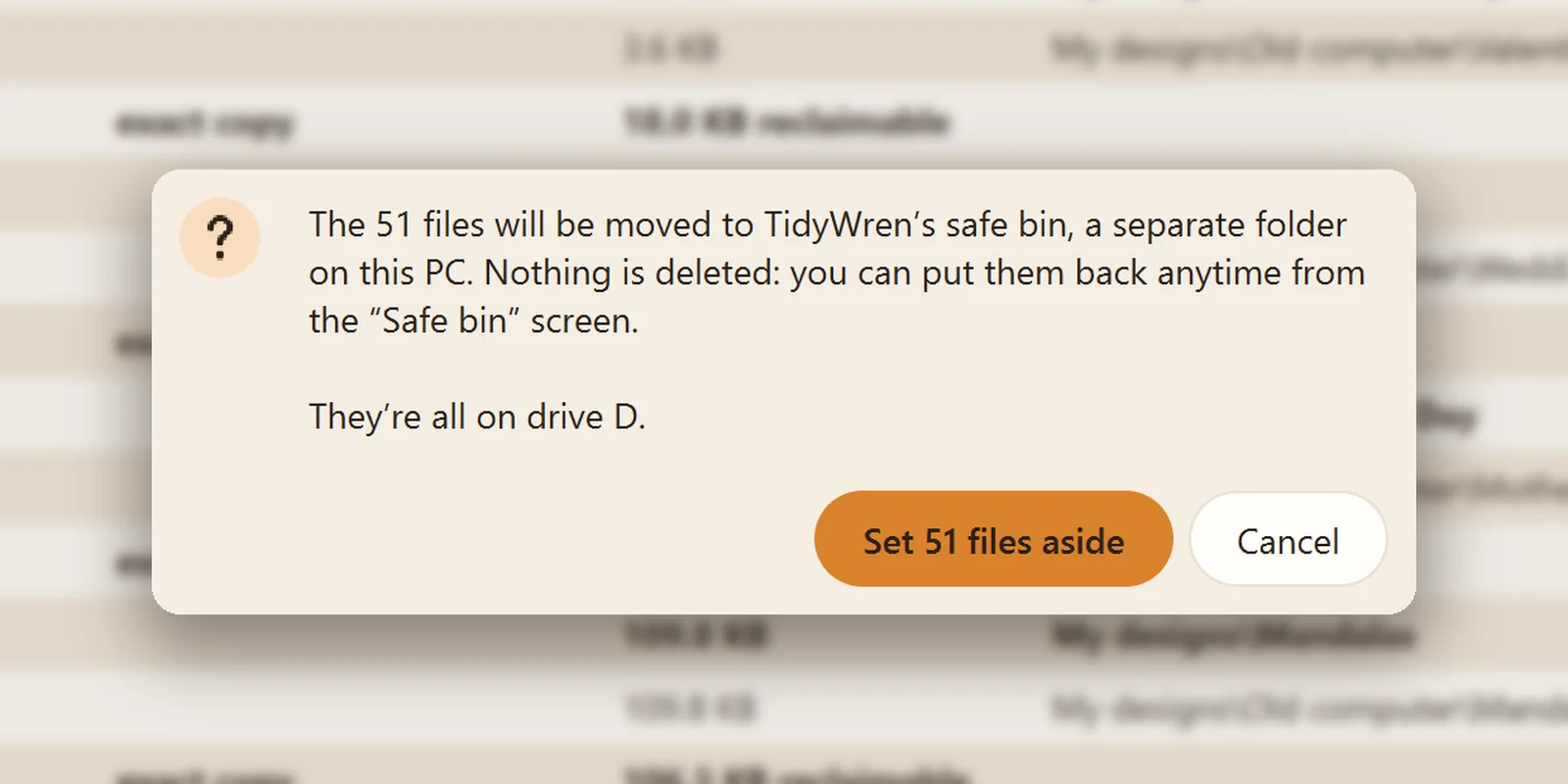
Duplicates, set aside safely
Copies go to a safe bin. Nothing is deleted: one click on “Restore,” and everything goes back where it was.
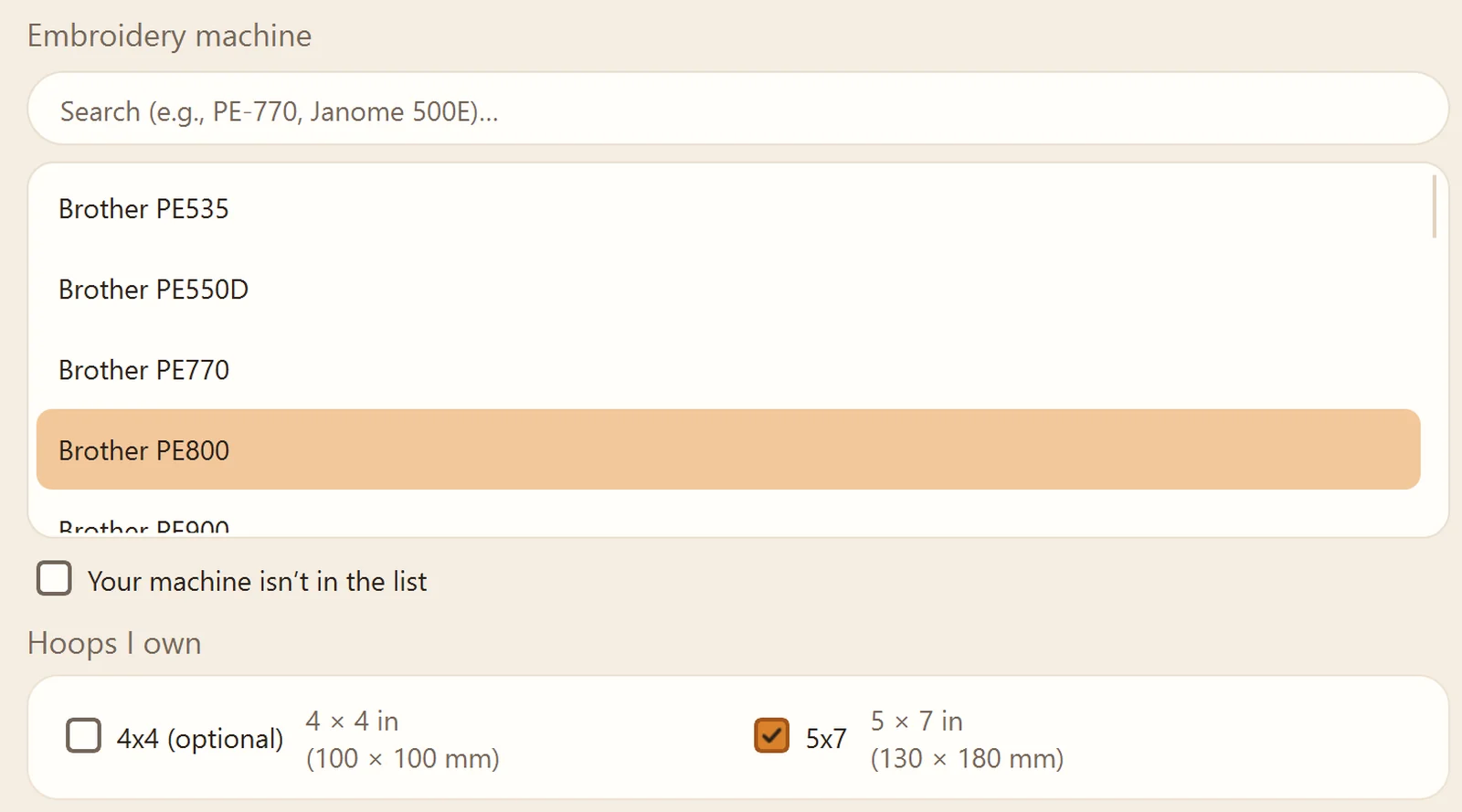
Your machine
Tell it which embroidery or cutting machine you have, and it shows you what fits your hoops and your mat.
The screenshots show the real app, on a sample collection made for the occasion.
What I’m asking
About two hours in all, at your own pace, between Monday, November 2 and Monday, November 16: four short tasks of 20 to 30 minutes each, on your real collection. Scanning your collection, preparing a file for your machine, noting the license and proof of purchase of a bundle you bought, and trying a small extension for Chrome or Edge that tells you when you already own a bundle. Then a short questionnaire, by email.
You’ll need a Windows 10 or 11 PC, and a collection of cut files (Cricut, Silhouette, ScanNCut, and so on), laser files (LightBurn, xTool, and so on), or embroidery designs. Any one of them is enough.
TidyWren never deletes anything. But it’s a first version, so before you start, I’ll ask you to copy your files to a USB drive or an external drive.
And most of all, to tell me what gets in your way, even the small things.
What you get
The full TidyWren license, free when it launches, planned for Tuesday, November 24, 2026.
Nothing to post in return: you don’t have to talk about TidyWren in public.
I read every piece of feedback and use it to improve TidyWren before it launches.
How to join
Email me at contact@tanven.dev with the subject “TidyWren beta” and answer these three questions:
- Your cutting machine, laser, or embroidery machine: its brand and model.
- Your collection: about how many files.
- Your Windows version: 10 or 11.
Copied. Now paste it into your email.
Found me on Facebook? You can also reply to me there.
I answer every message myself. If you take part, you’ll get an email on Monday, November 2 with the link to install TidyWren, your personal key, and your tasks.
Your data. Your email lands in my inbox, contact@tanven.dev, hosted in Switzerland by Infomaniak (and at Meta if you write to me on Facebook). I keep your first name, your email address, your machine, and your answers only to run the beta and send you your free license, until December 31, 2027 at the latest, then I delete them. If you don’t take part, I delete your message after replying, unless you ask me to let you know when TidyWren launches. Email me to see them or have them deleted; you can also contact the CNIL, the French data protection authority (cnil.fr). The details: the privacy policy.